I Digitized My Entire Wardrobe (Fall & Winter) with the Indyx App
I’ve been wanting to do this for so long but never had the courage—until now!
If you've been reading this blog for a while, you know how much I like to experiment with my closet. Between capsule wardrobe projects and the quest to define my style in 3-words, I'm always eager to find a new way to play dress-up.
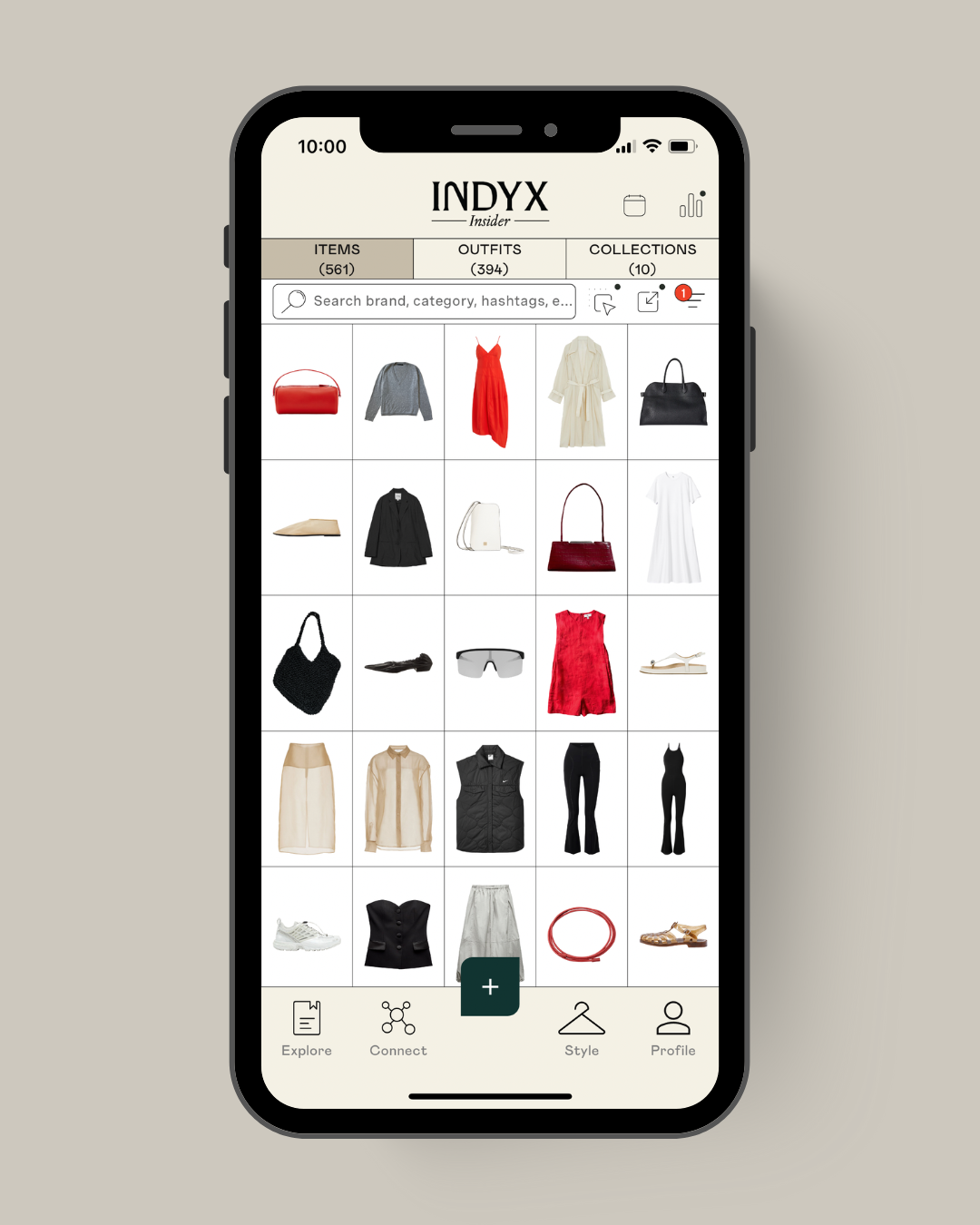
Over the past few weeks, I’ve been slowly digitizing my fall and winter wardrobe using the Indyx app — a digital closet organizer that helps you photograph, tag, and plan outfits.
It’s something I’ve wanted to do for a long time. My goal wasn’t to become perfectly minimalist or to track every outfit with precision, but to get an honest look at what I actually wear — and what just sits folded in a drawer, waiting for “someday.”
Prepping & Cataloguing
Cataloguing your entire closet might seem daunting, but with a little organization and the following tips, you'll be done in no time. Here's what mine looks like right now.
Choose the easy way
The trick I found most useful was searching for e-commerce images, either on the websites where I bought my items or by finding similar ones. Honestly, a black beanie is a black beanie is a black beanie. There’s no reason to photograph mine when plenty of professional-looking photos are available online.
The idea is simply to recognize your items in the Indyx app and know which one to grab from your closet in the morning.
The cofounder of Indyx came to Christina's house to help her catalog her wardrobe
Pace yourself
I started small: one drawer, one shelf, one clothing category at a time. You don't want to burn out on the first day.
- Iron or steam your clothes
It’s a bit of a pain, but your photos will look so much better. Plus, it’s a good chance to check whether an item is in good condition or needs a little TLC.
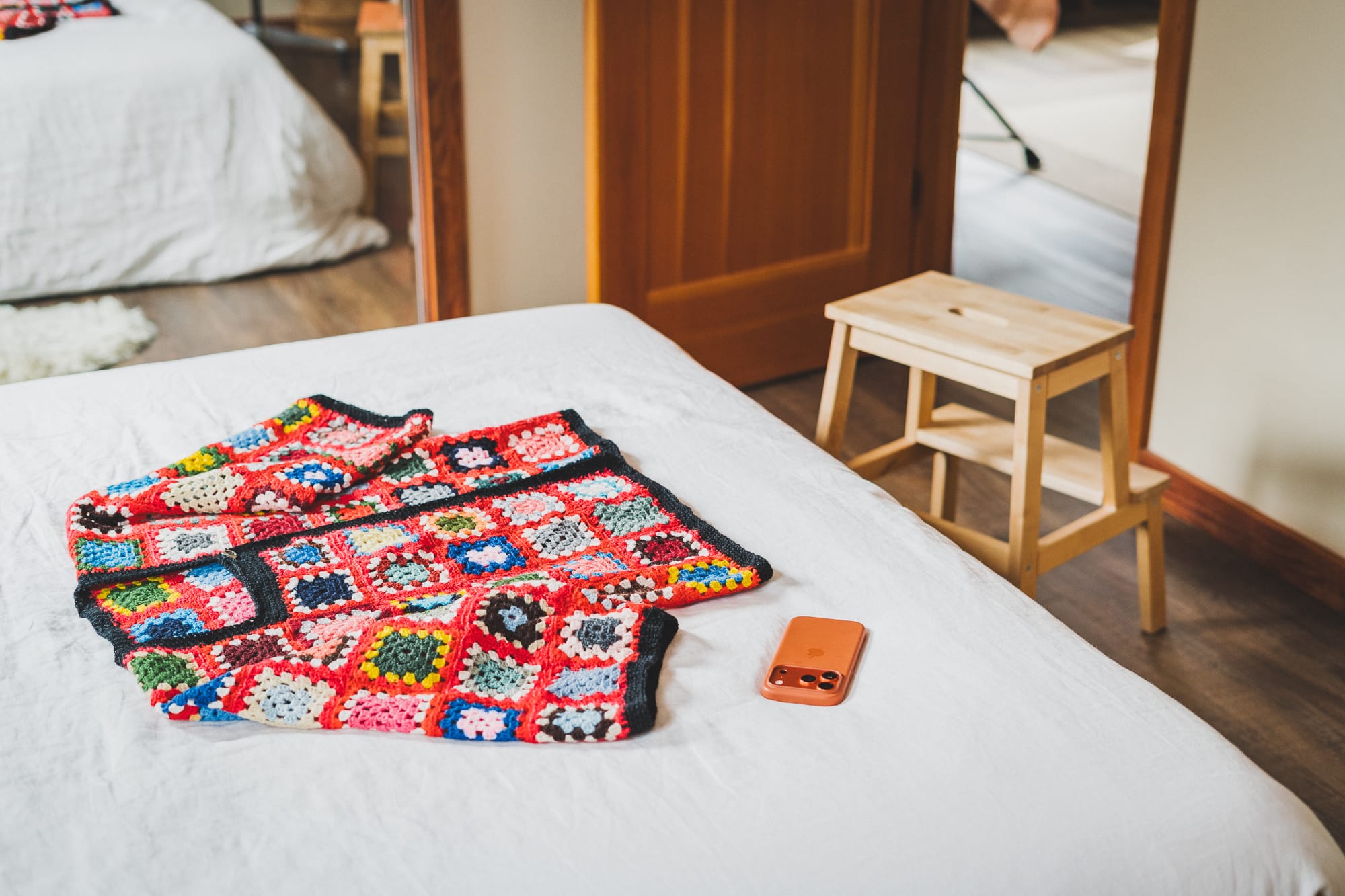
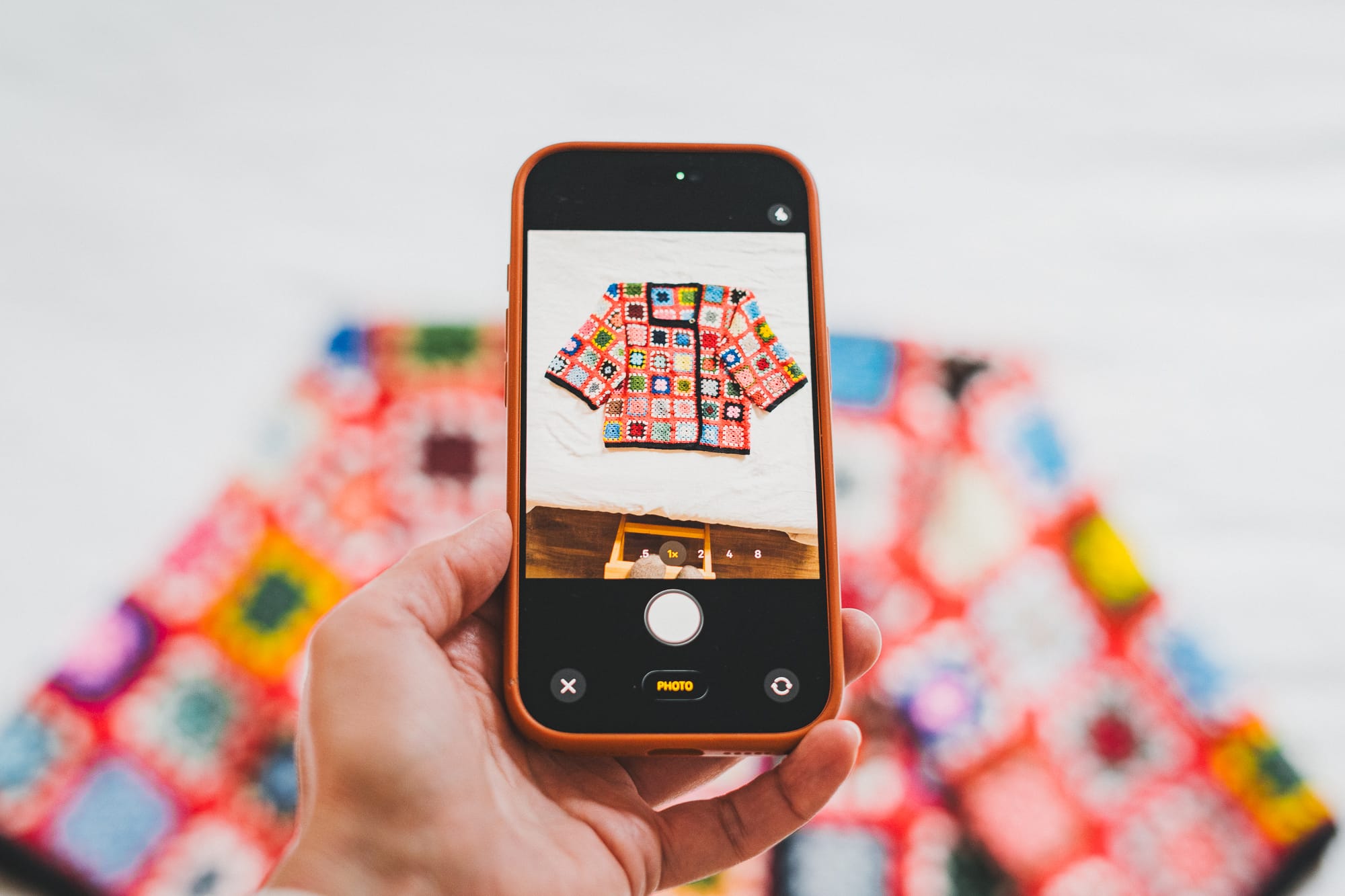
- Set up a photo "studio"
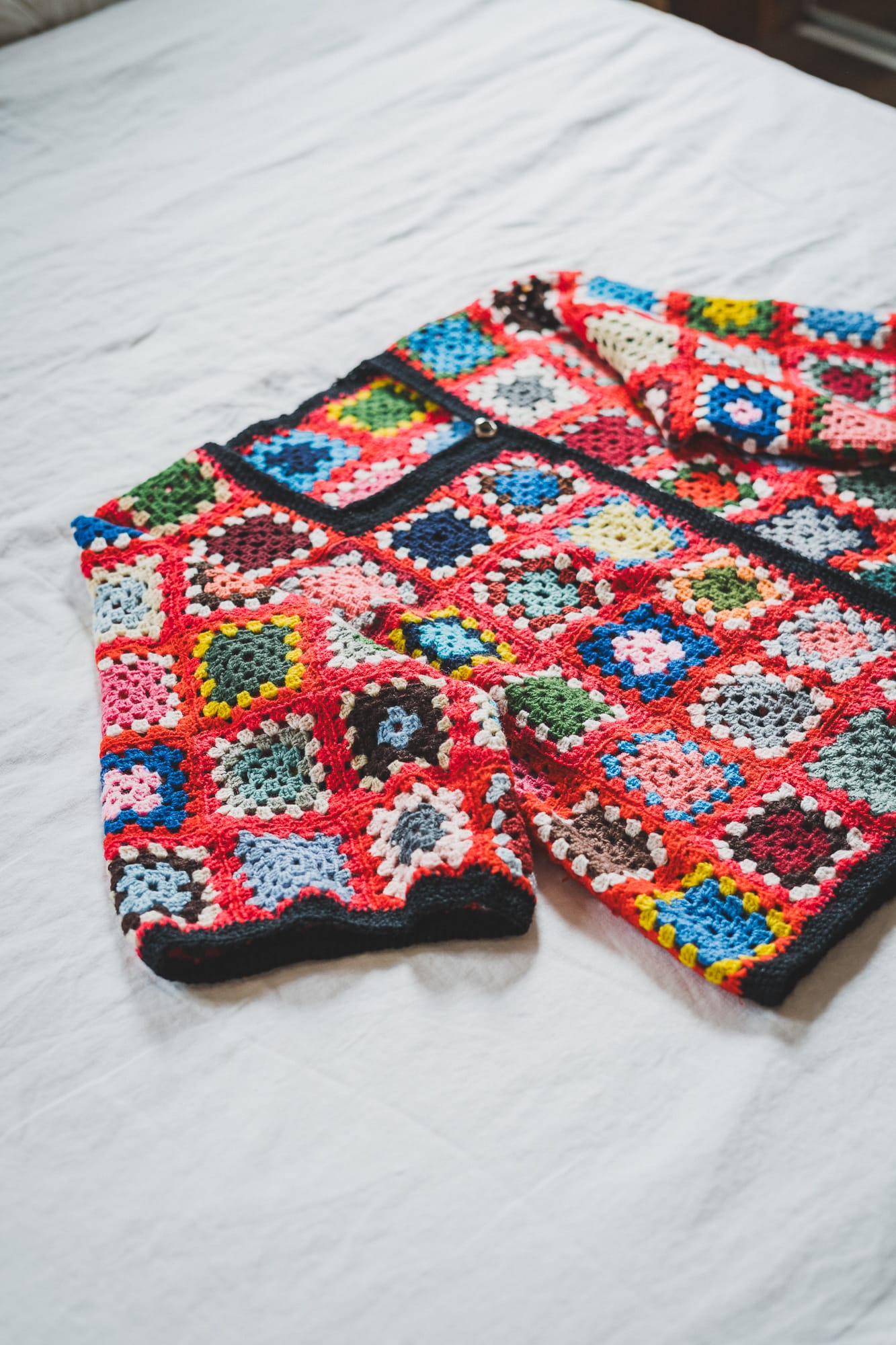
I used a neutral background — my white duvet cover — and shot while perched on a stool. I also leaned that same stool against a wall to photograph shoes and bags.
Perfection is the enemy of done
I didn’t spend too much time styling the items, though I did give them a quick steam. The light wasn’t ideal, but again, done is better than not. I can always reshoot the items that turned out wrong as I wear them (I steam my clothes before almost every wear, so that’s an easy fix).
The goal was to have a complete inventory in a matter of weeks so I could get a clear overview of my wardrobe and start putting together outfits.
Liz is the one that best shows the scrunching items tip
Tips & Tricks
Here are a few things that helped make the process smoother:
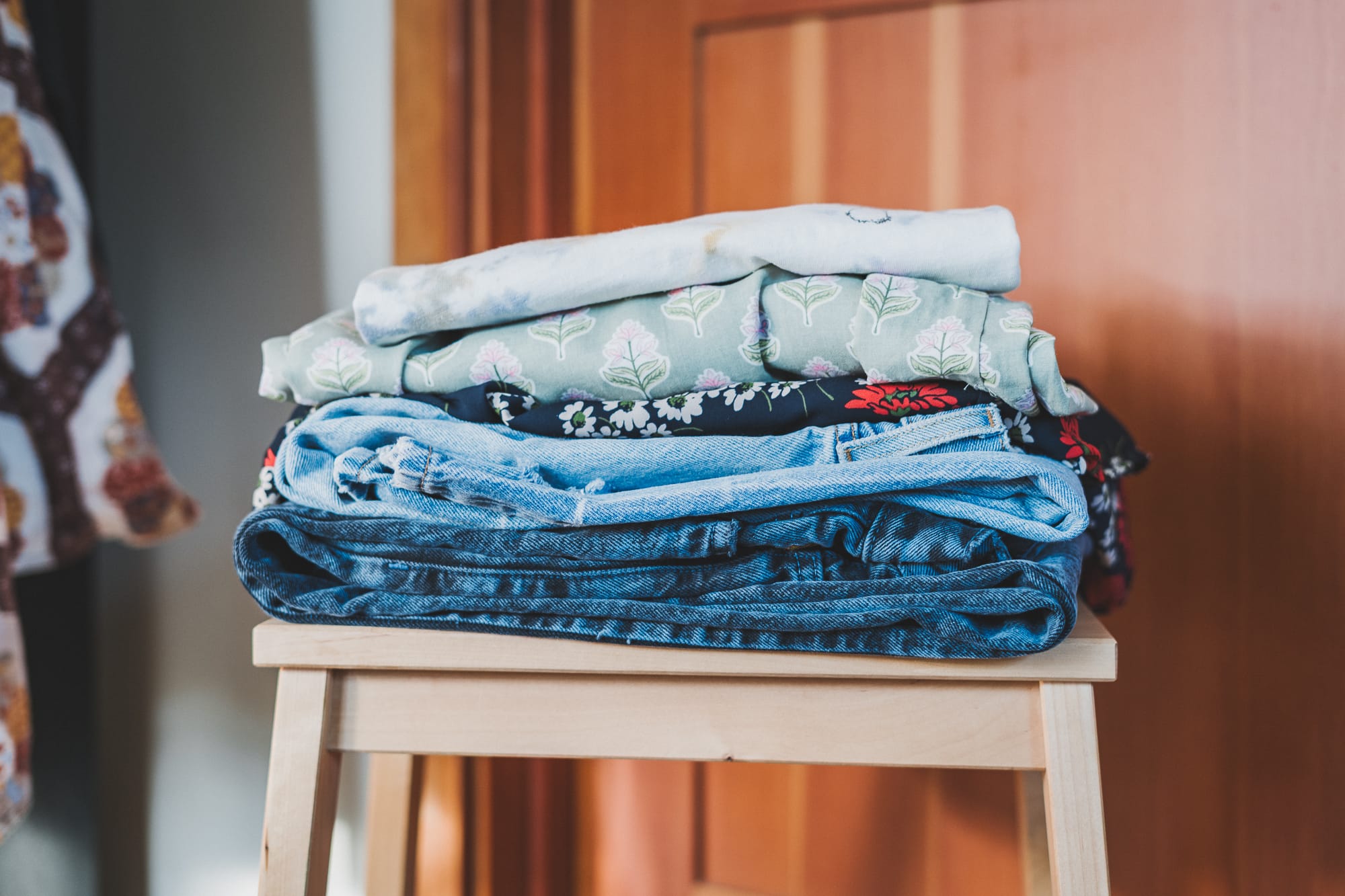
- Steam items and lay them flat so their shape is clear
- Tuck seams so pants and sweaters don't look like starfish
- Scrunch items slightly so they look more natural — think of a flowy dress with soft pleats
- Avoid strong shadows by facing your light source
- Photograph similar items together (all sweaters, all pants) to build styling muscle memory
- Inspect each piece as you go — I noticed tiny holes, unraveling hems, and stains I hadn’t seen before
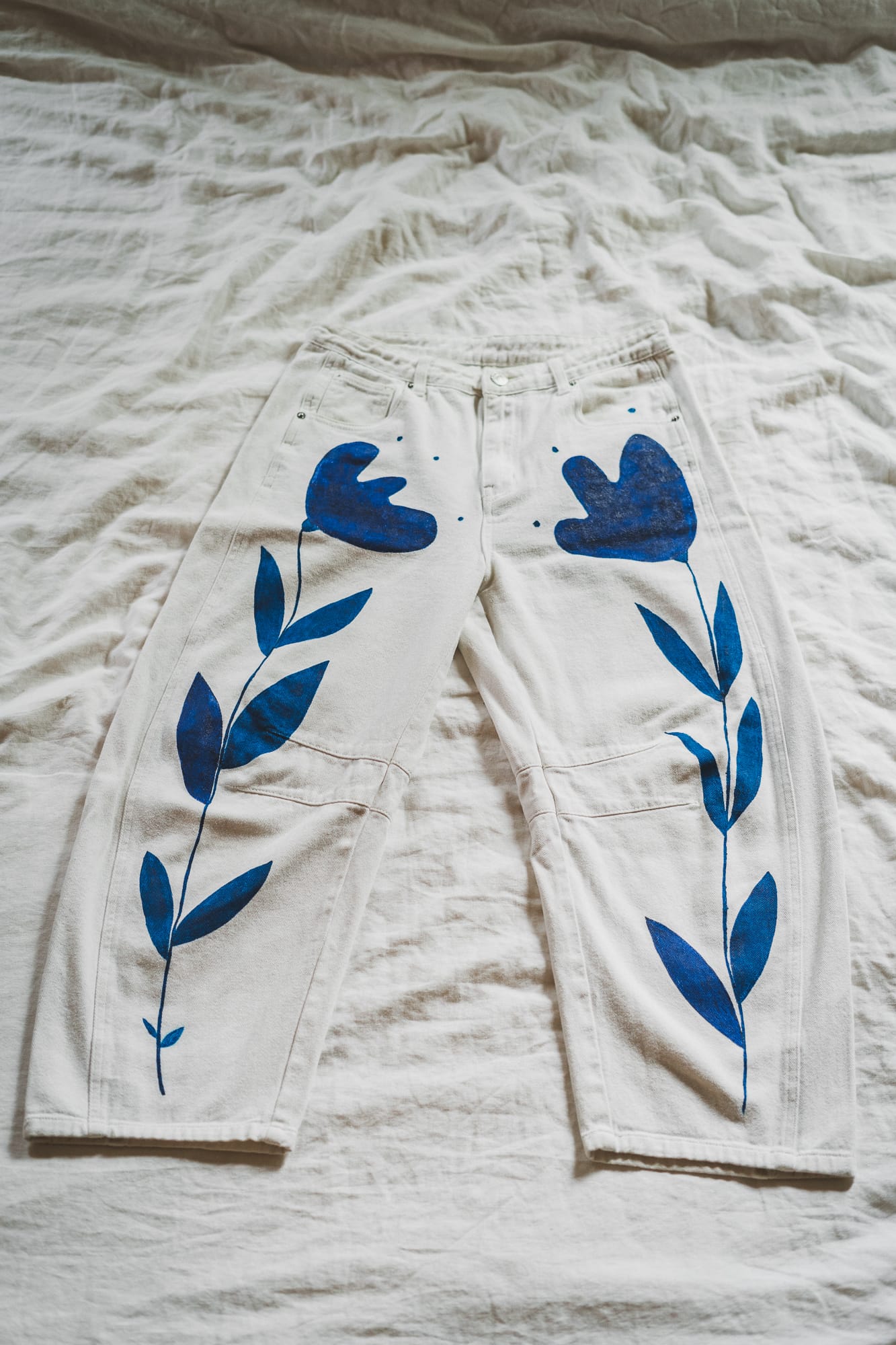
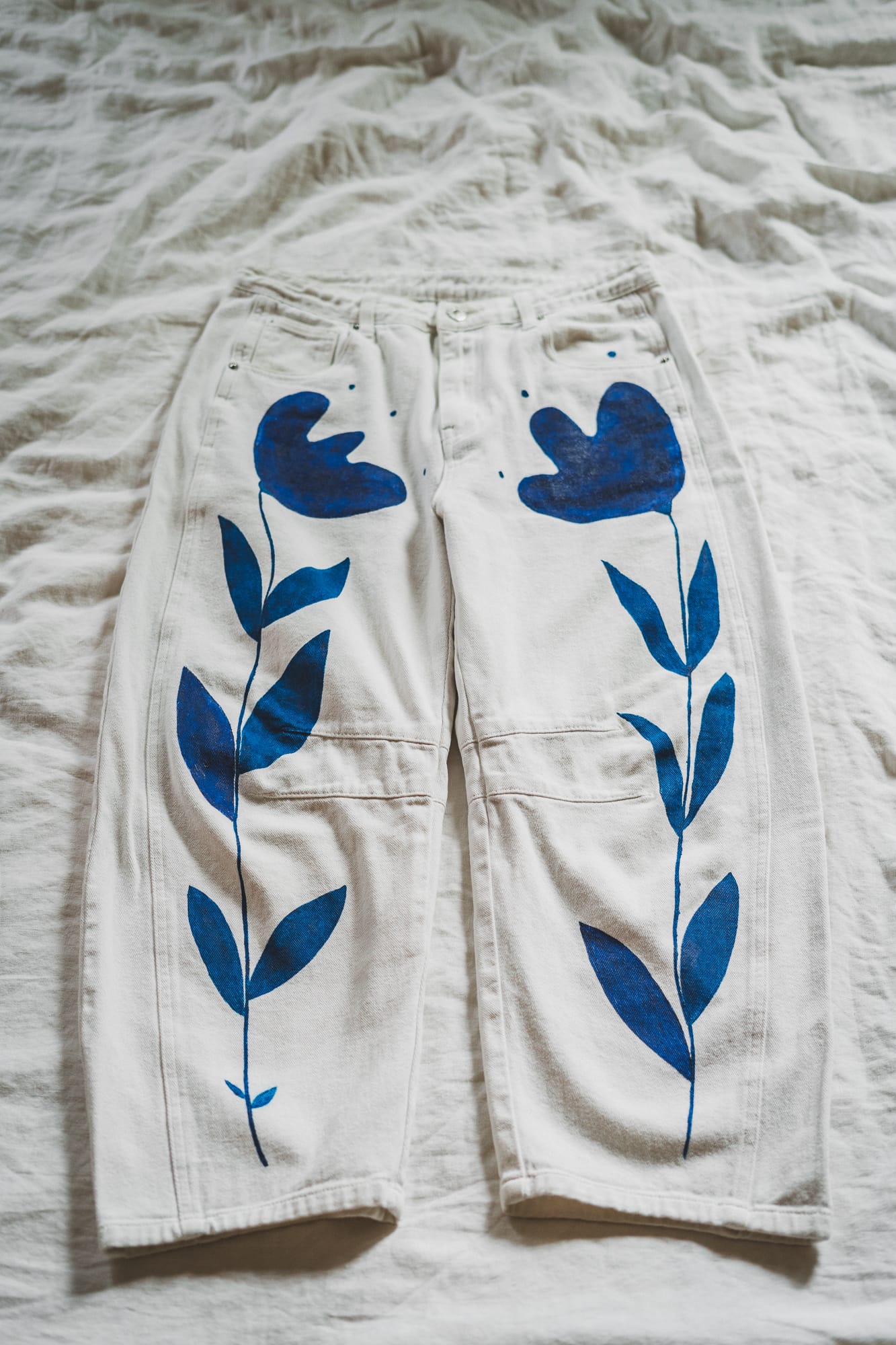
Starfish vs tucked-in seams
Thoughts
Holding each item in my hands made the seasonal wardrobe switch so satisfying. I realized that I already have more than I need.
I had already done a closet clean-out in preparation for a clothing swap, but I can imagine how this process might also help you realize that certain items just won’t make the cut. Did you feel resistance to prepping or photographing an item because it didn’t feel worth it? Did you rediscover something you’d shoved to the back of your closet and remember why? It might be time to let a few things go.
This initial inspection gave me the opportunity put my sweater shaver and my favorite mending tool to good use — though I tried not to go too far down that rabbit hole and instead save those projects for mending nights with friends.
© Indyx
Populating the Indyx App
I uploaded my photos and tagged each item.
Product info
I started with the basics — brand, category, sub-category, and color — keeping it simple at first. When I couldn’t remember the brand, I used “?”; for handmade pieces, “DIY”; and for secondhand finds, either “thrifted” or the original brand name. Sometimes I added a small detail like “cropped,” “bootcut,” or “slim” to tell my three pairs of black jeans apart.
I specified the main material of certain pieces for quick access (cashmere, alpaca, silk).
Tags
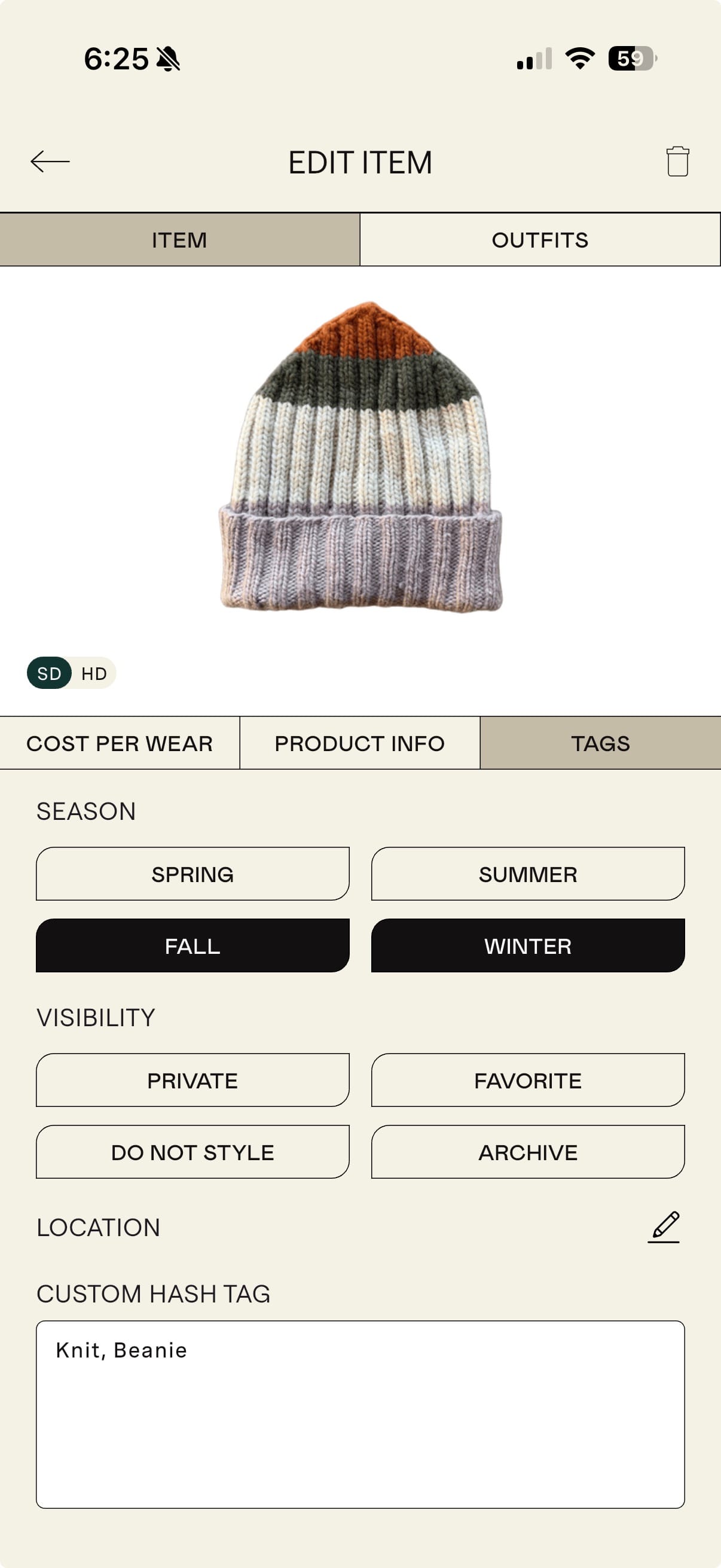
I might refine my tags later (for instance, grouping by season or simplifying printed-item colors).
Over time, I added a few tags to certain pieces to make them easier to find, such as Beanie and Caps to differentiate hats quicker; Quilted, Knit, Crochet or Puffer as sub-categories; or Mom, to find the pieces she made or we made together.
Cost per wear
I didn’t add prices or cost-per-wear data for now. Since many of my pieces are secondhand or handmade, that metric didn’t feel essential — though I can see how it could be a fun feature for others.
© Indyx
Creating Outfits & Tracking Use
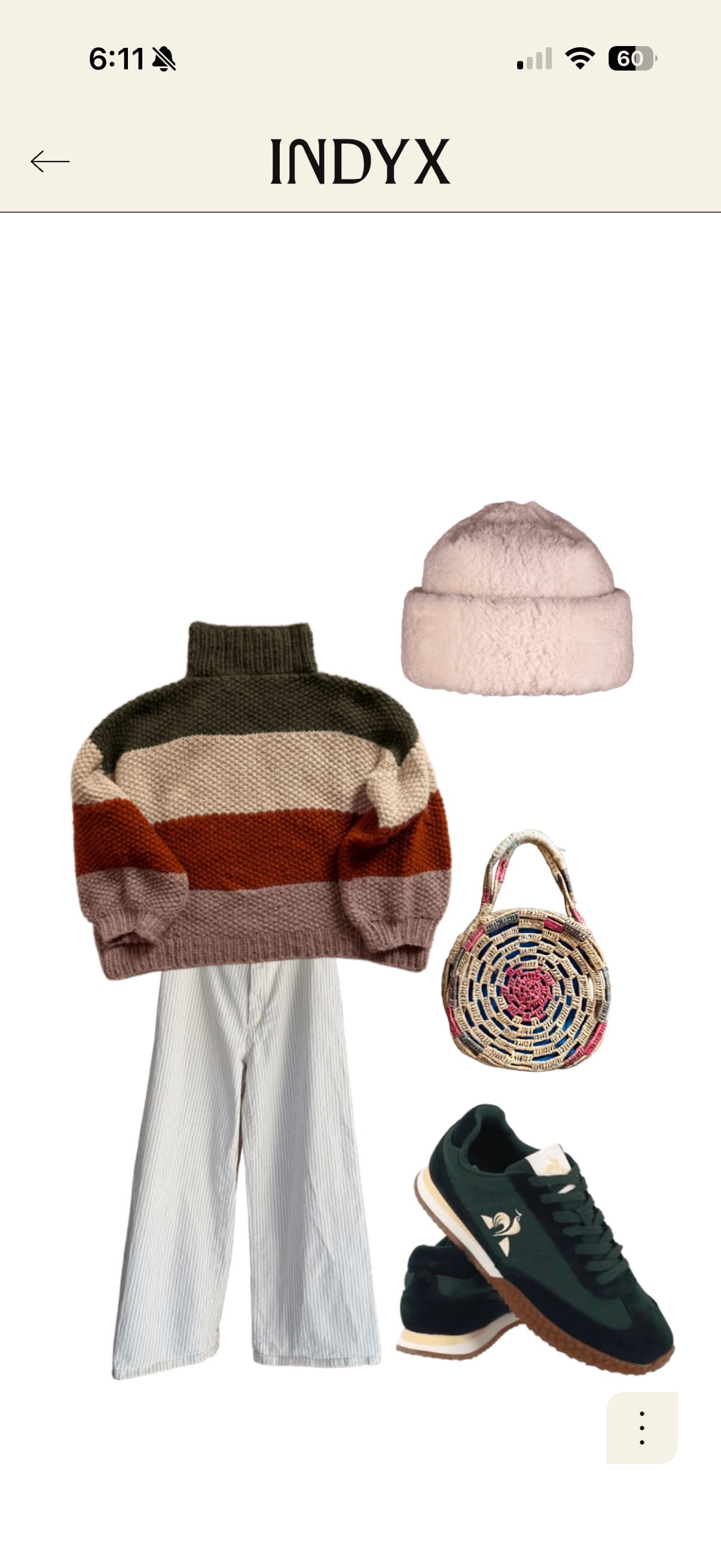
Now for the fun part. Once everything was digitized, I started playing with outfits directly in the app.
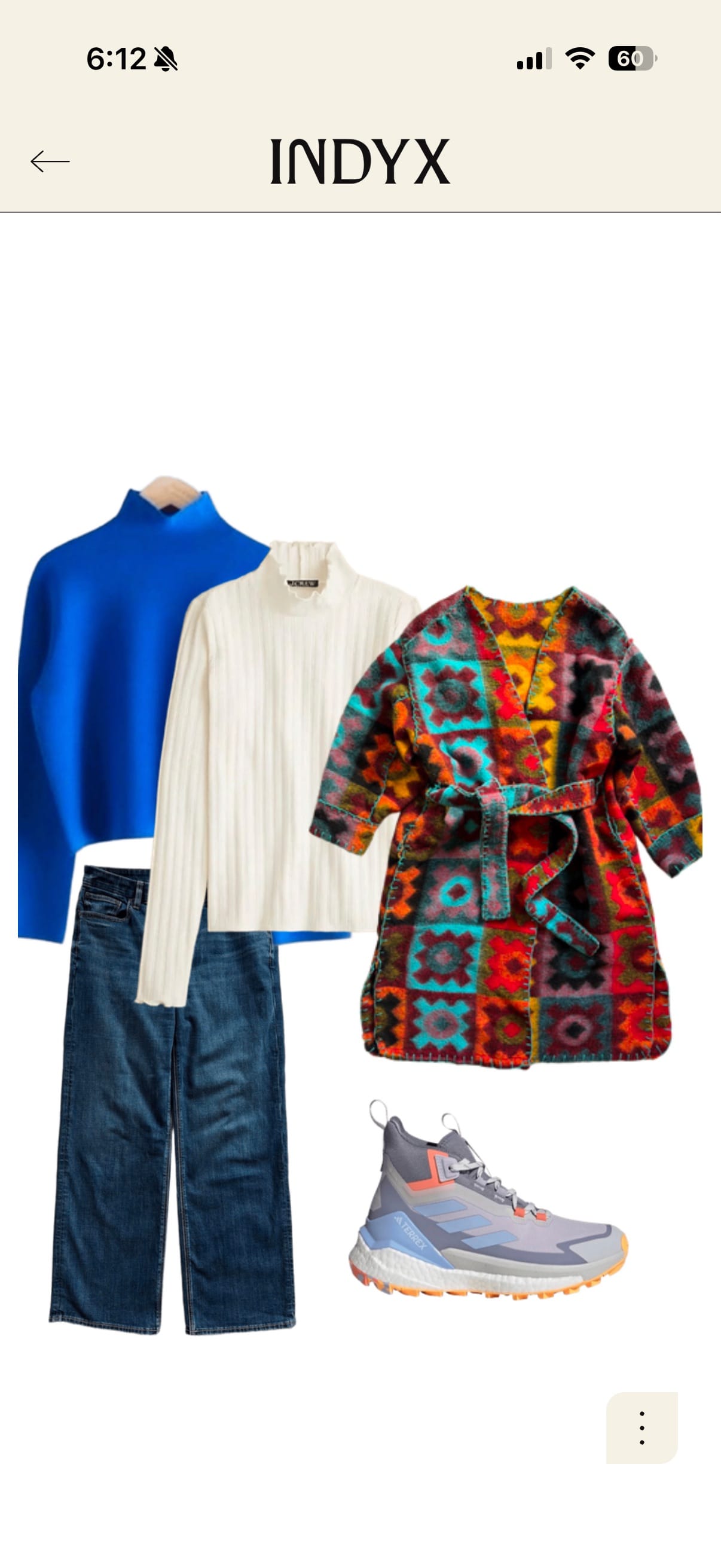
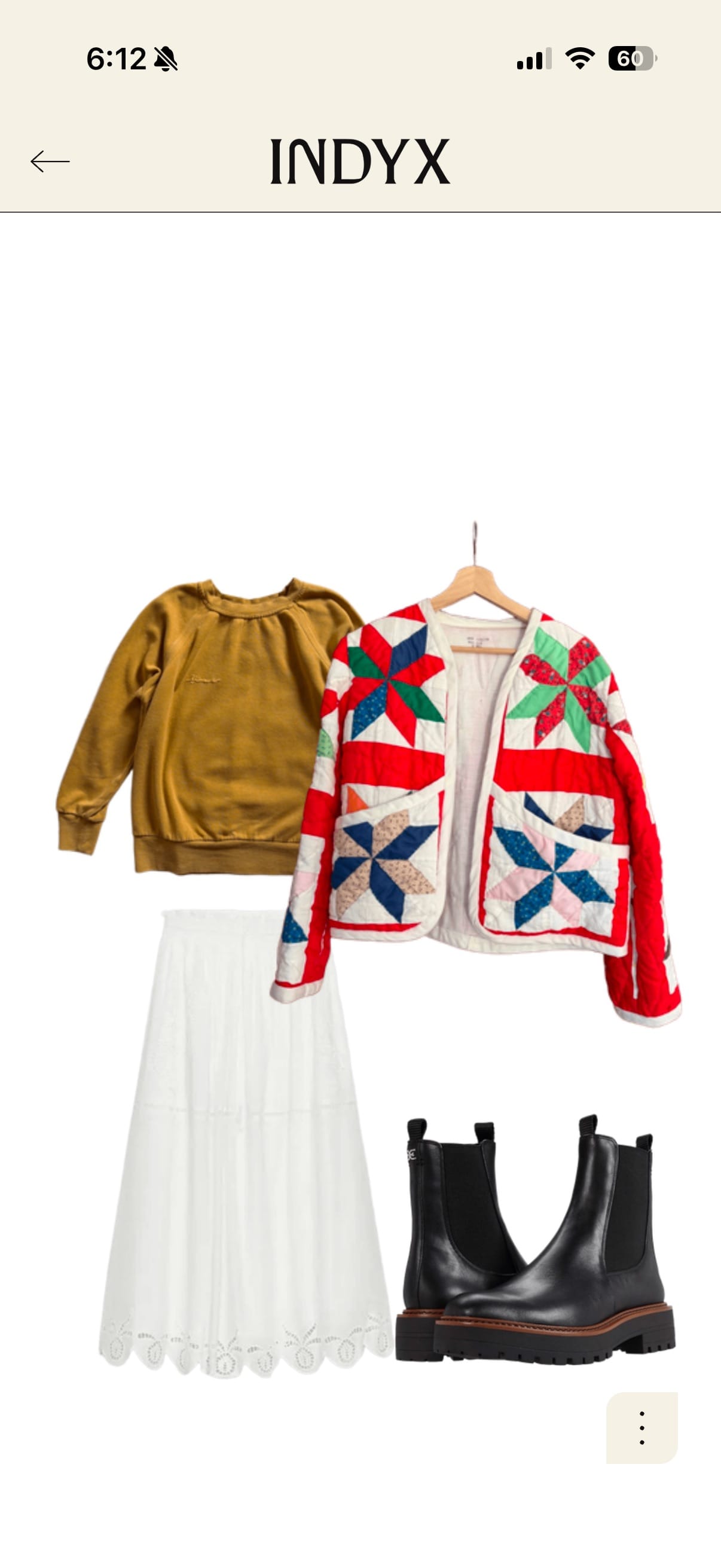
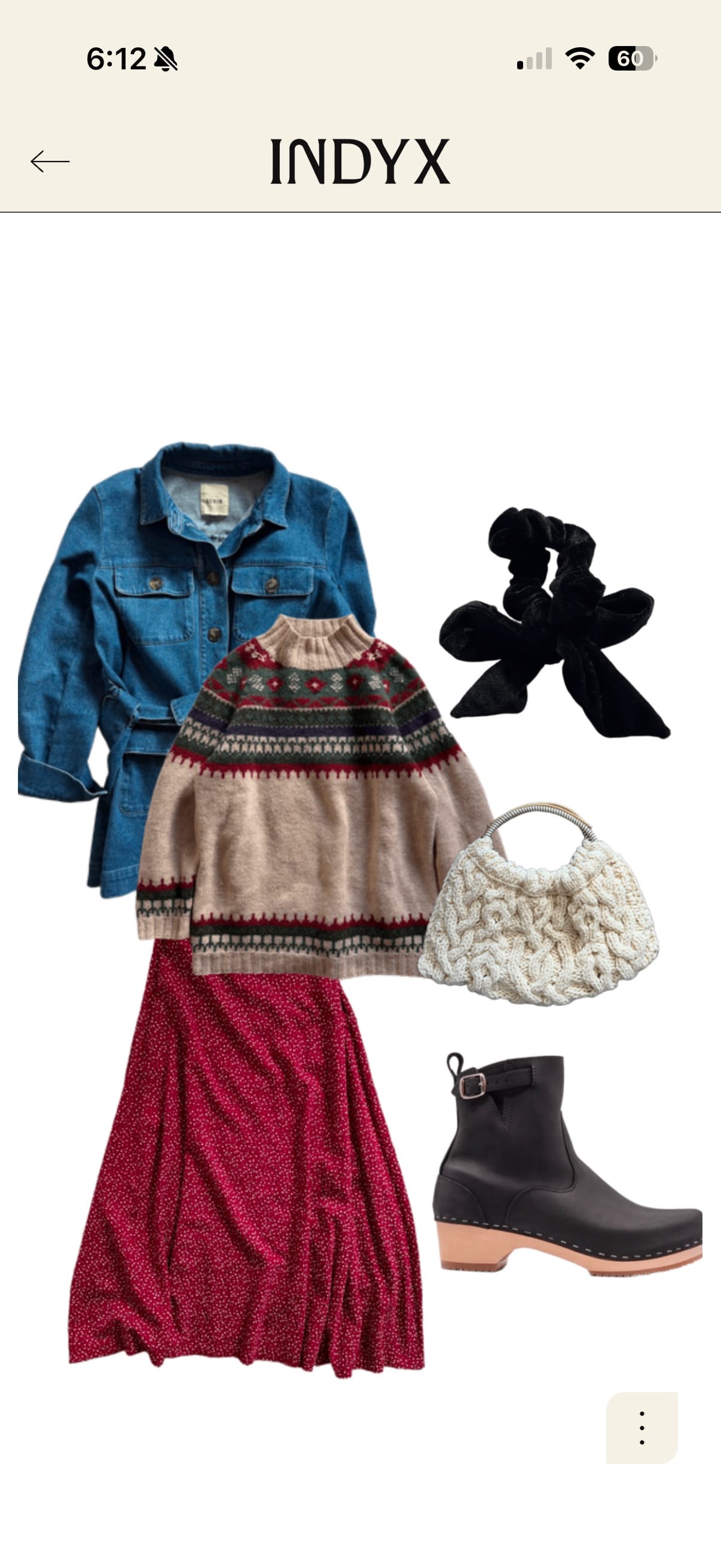
Style outfits
It felt a bit like building digital paper dolls — pairing structured pants with sporty sweaters I might not have thought to combine.
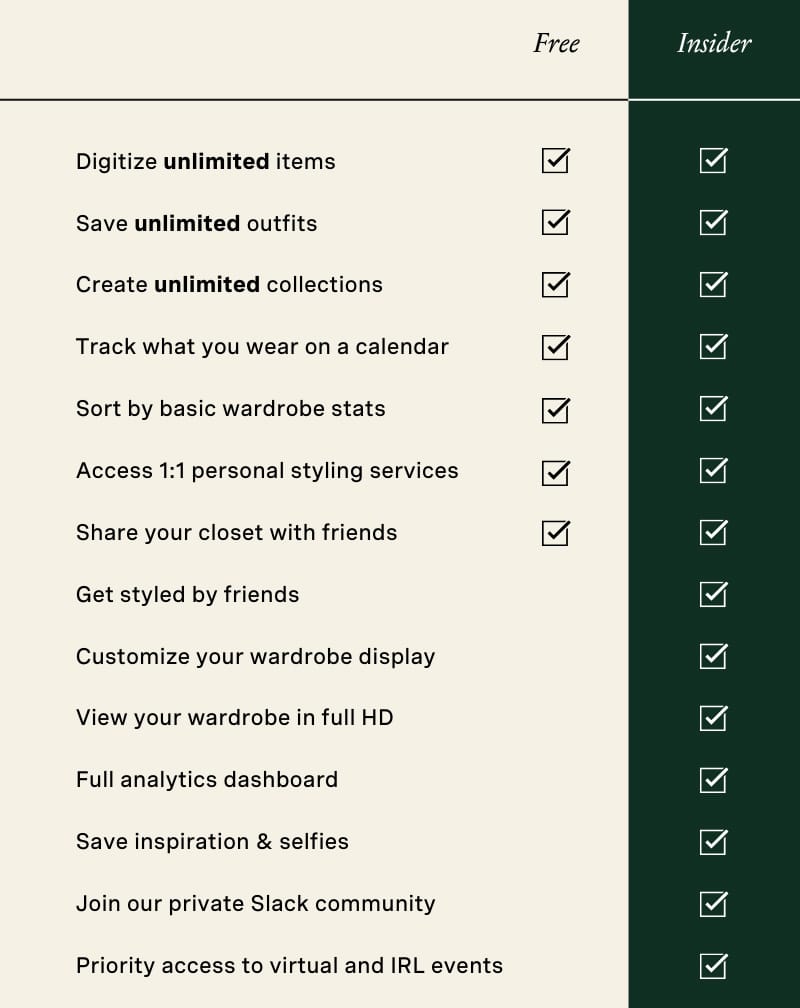
I love going on Pinterest to recreate outfits using pieces I already own. I can search by color or category to make the process even faster. The app’s Insider features also allow you to save inspiration and outfit selfies right inside your digital closet — something I may explore later. For now, I’m happy keeping my inspo on Pinterest and documenting my outfits on Instagram.
During the free Insider features trial, I also got to see how other users styled my items. It was fun to see their take, even though I realized I prefer curating my own looks.
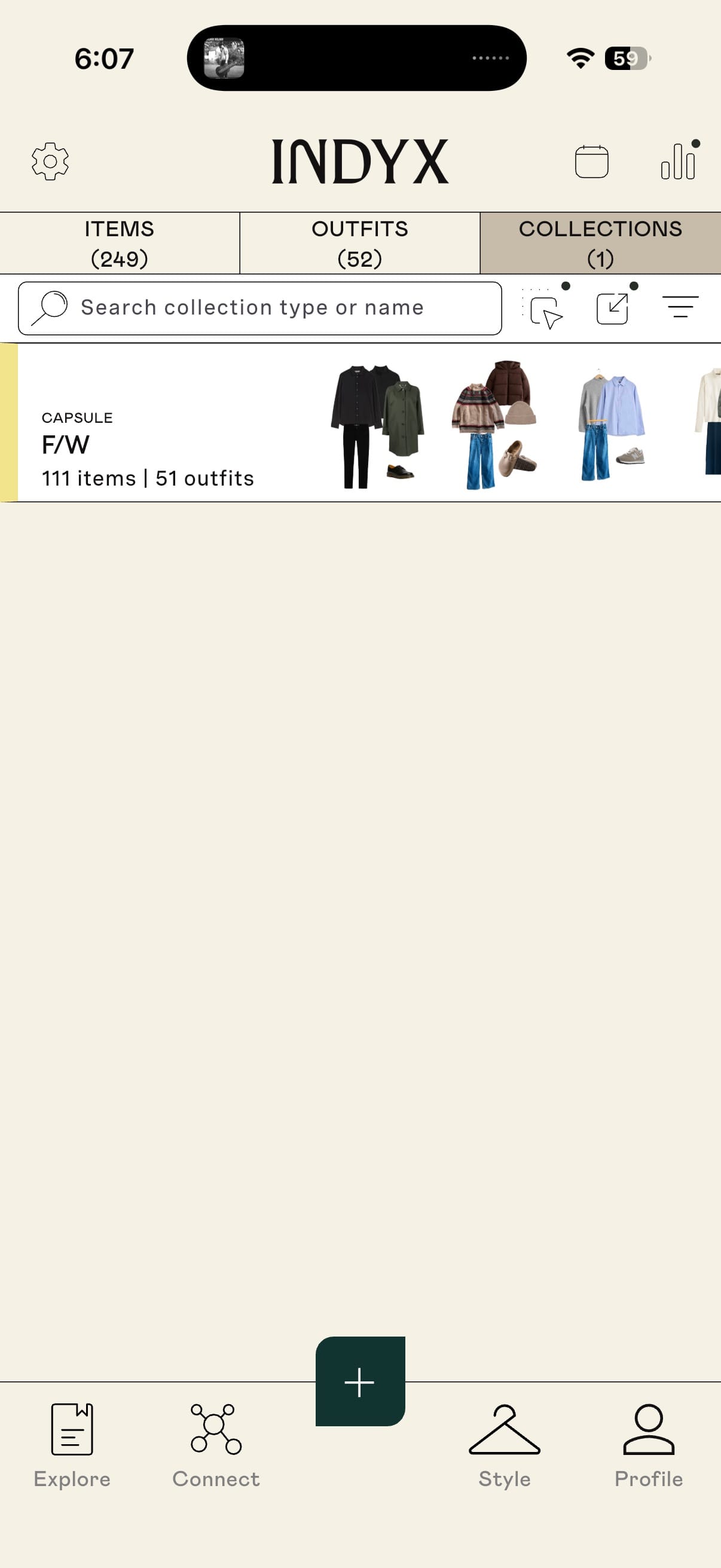
Organize collections
For now, I’ve created a single Fall/Winter collection, but I can easily imagine setting up packing lists or travel capsules in the future.
Add to your calendar
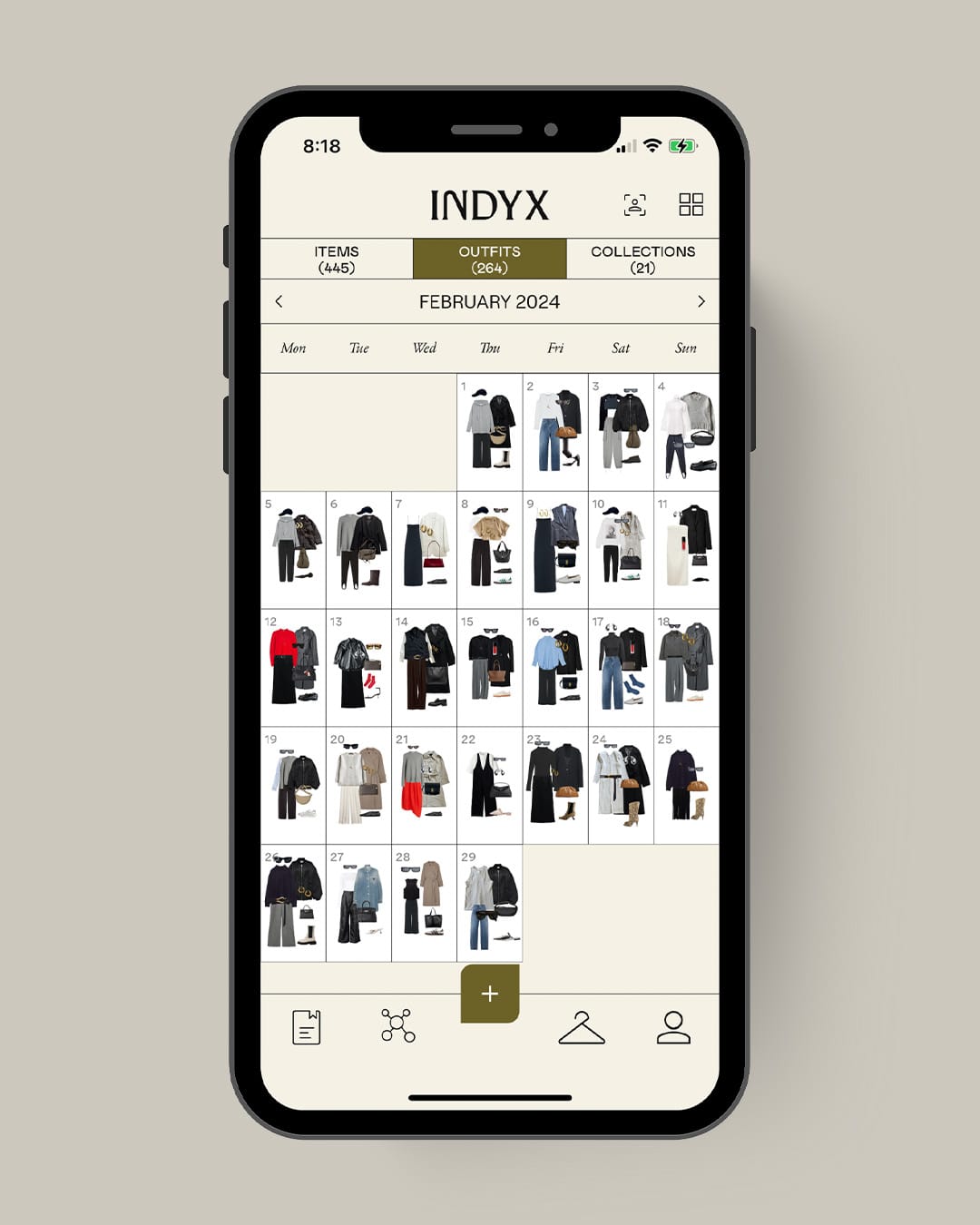
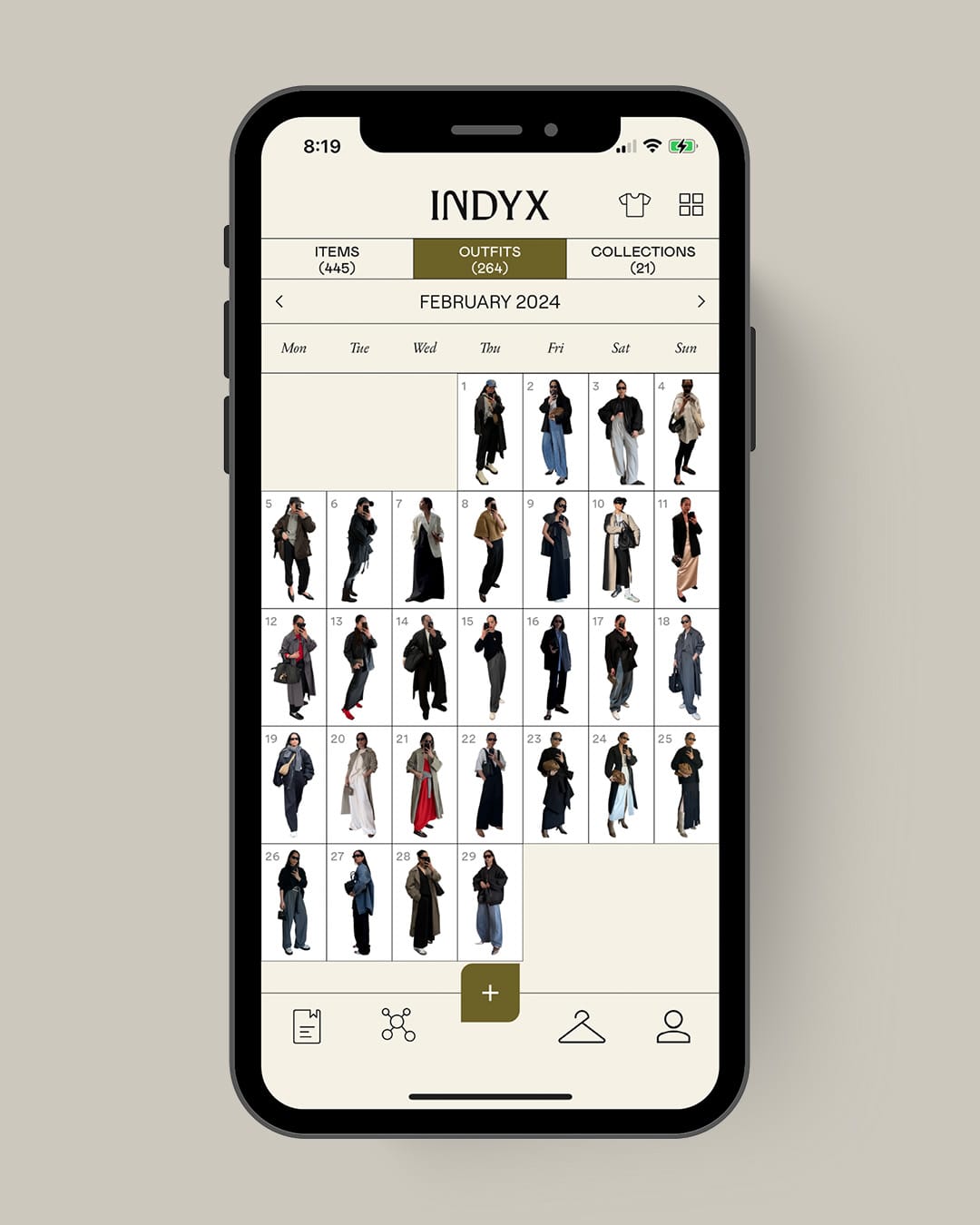
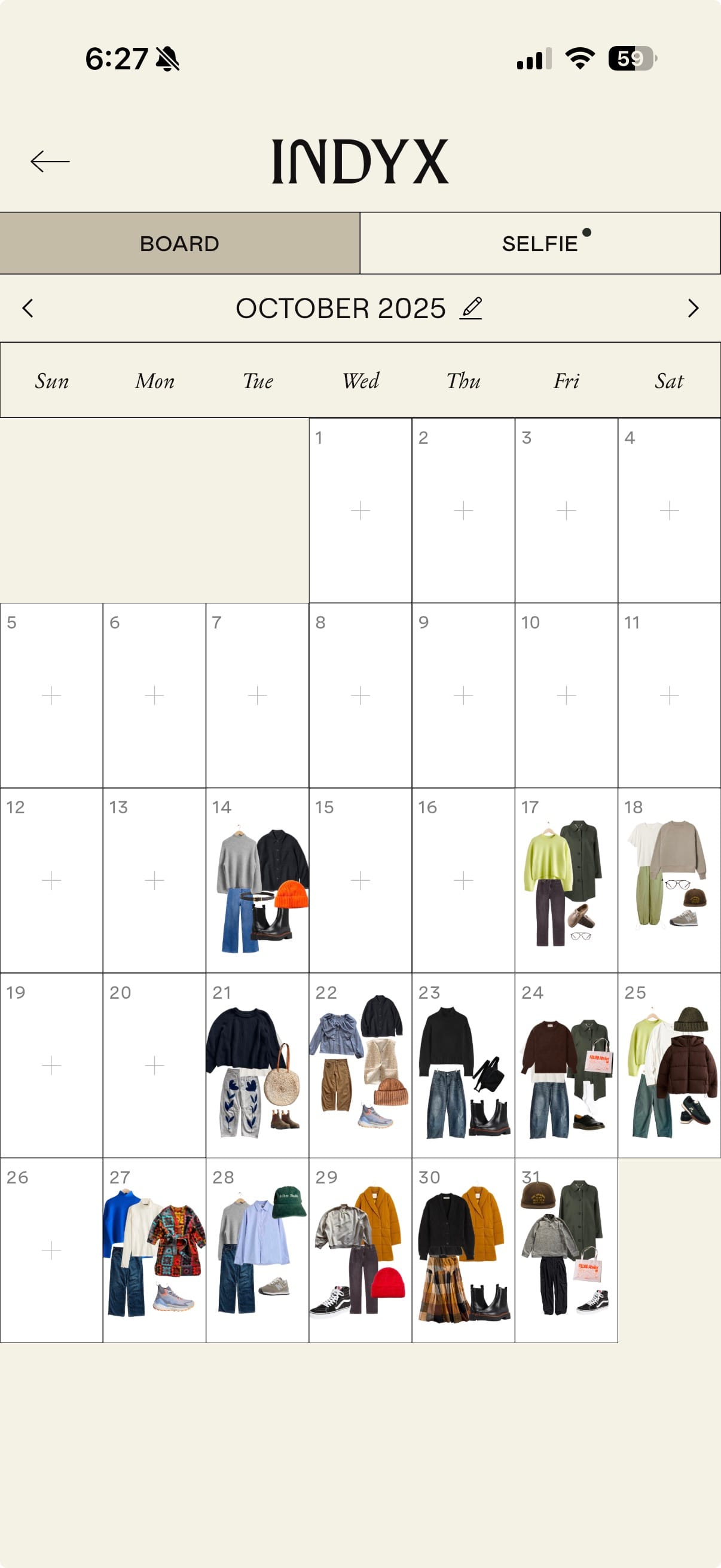
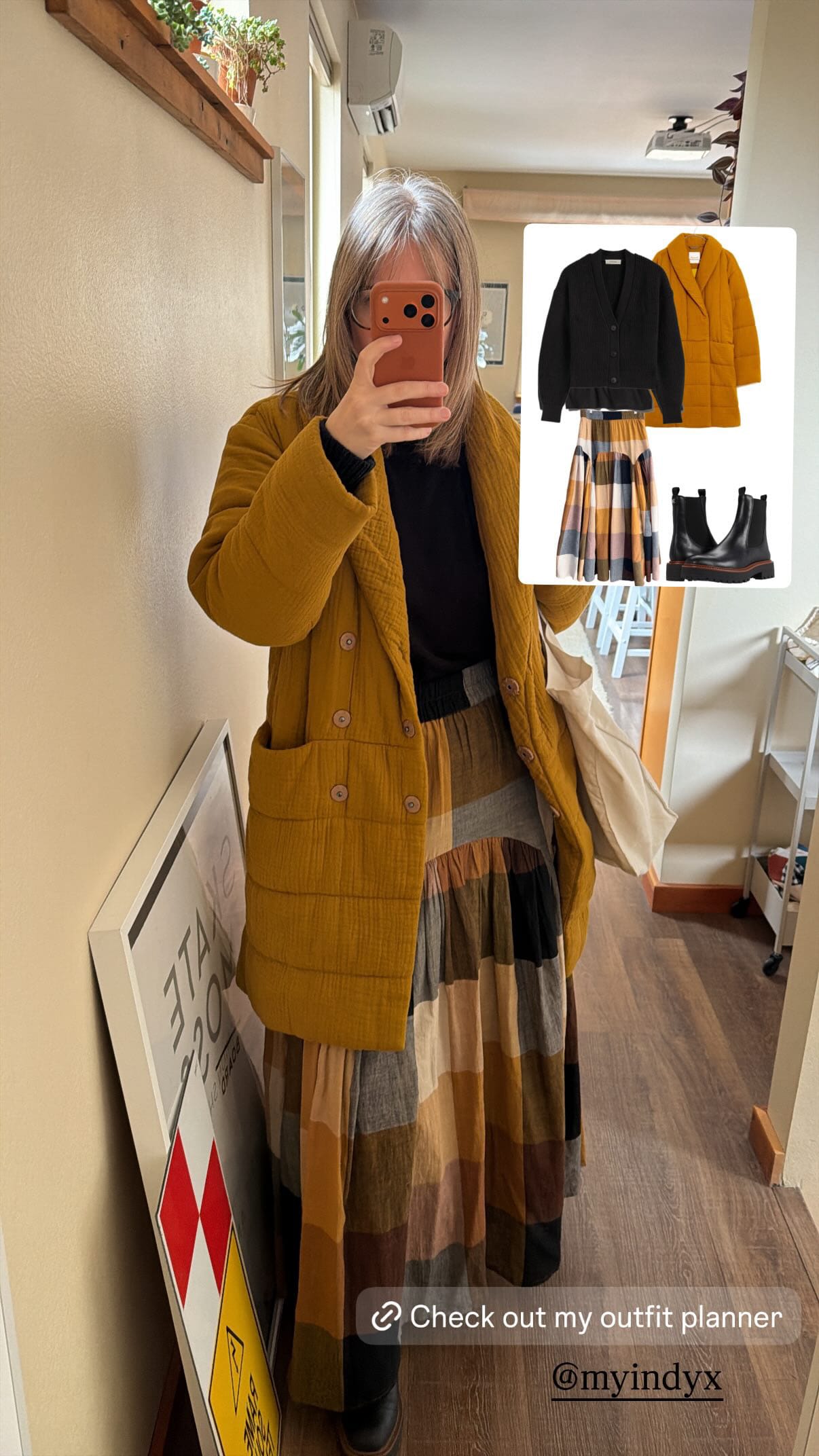
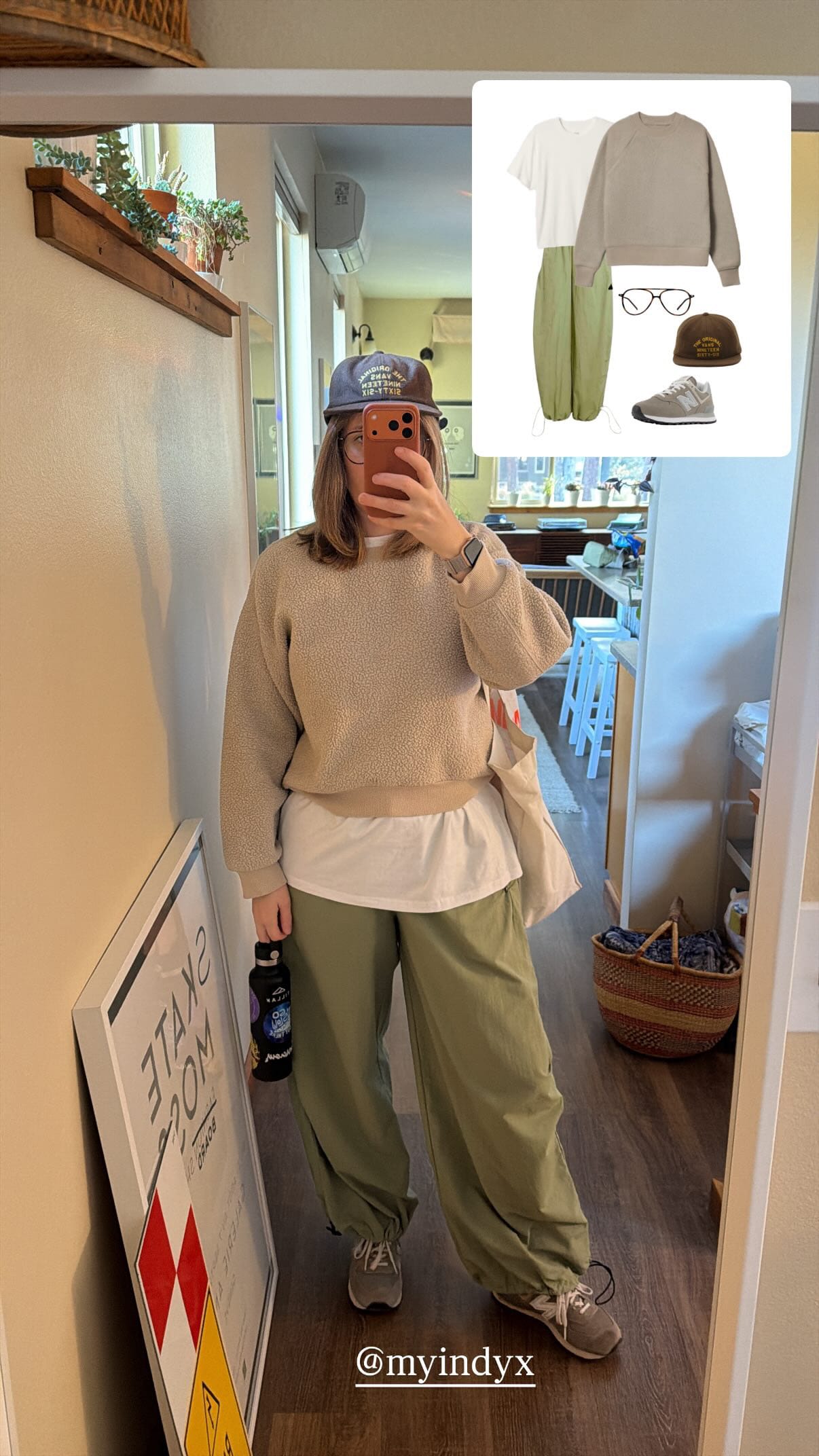
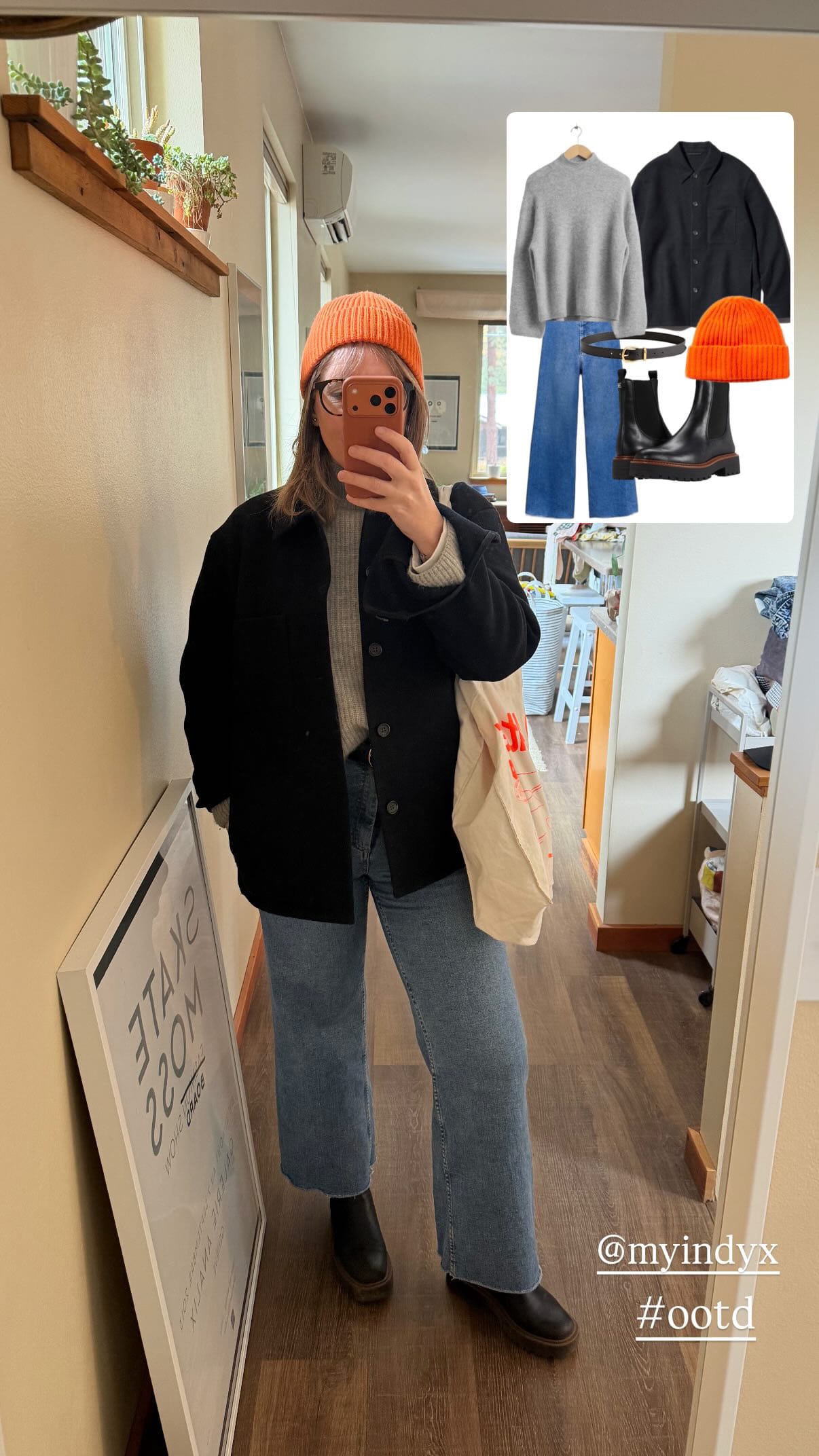
One of my favorite features is the calendar, which lets you log what you wear each day. Over time, it helps reveal which pieces earn their keep — and which ones just take up space.
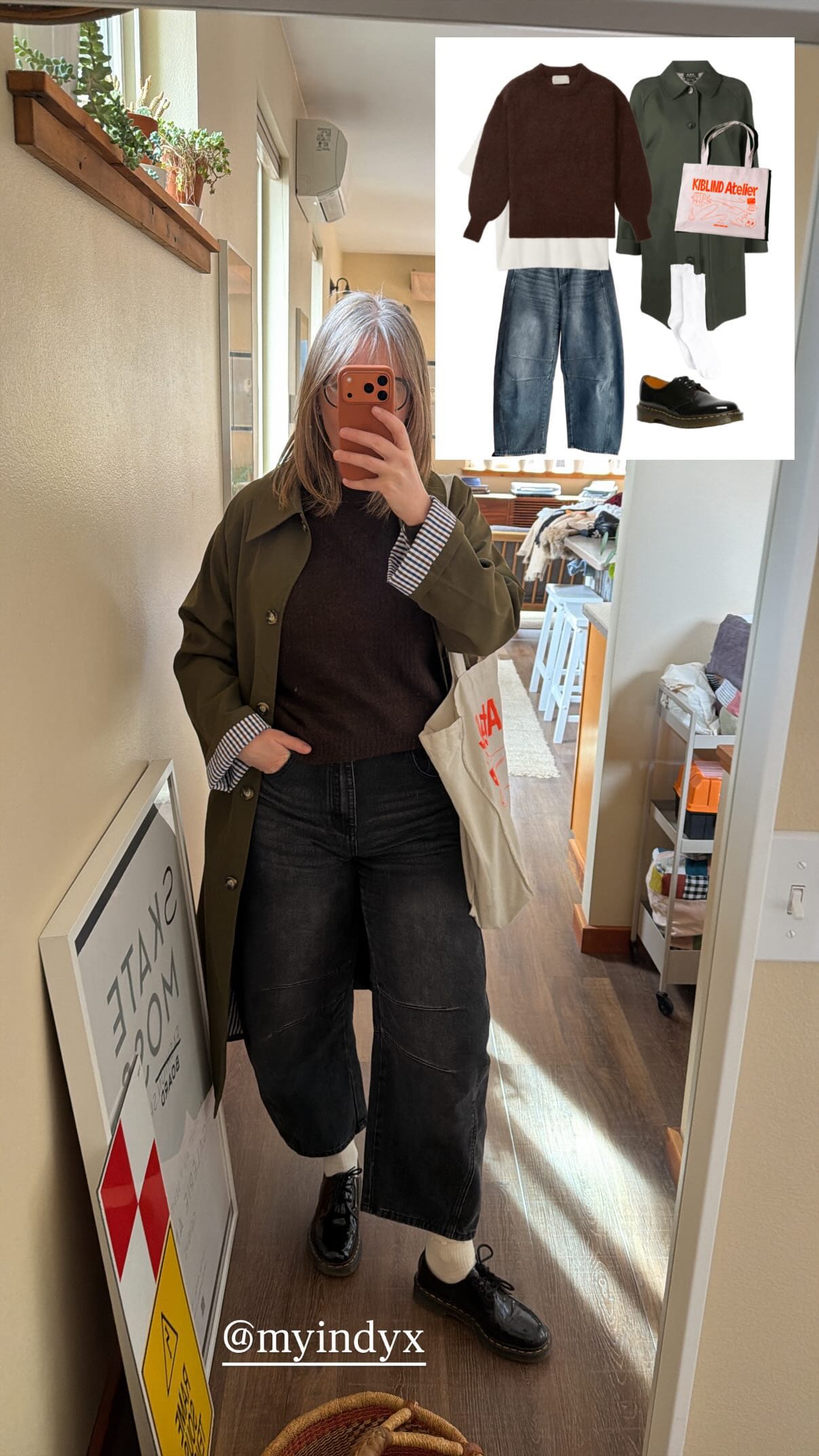
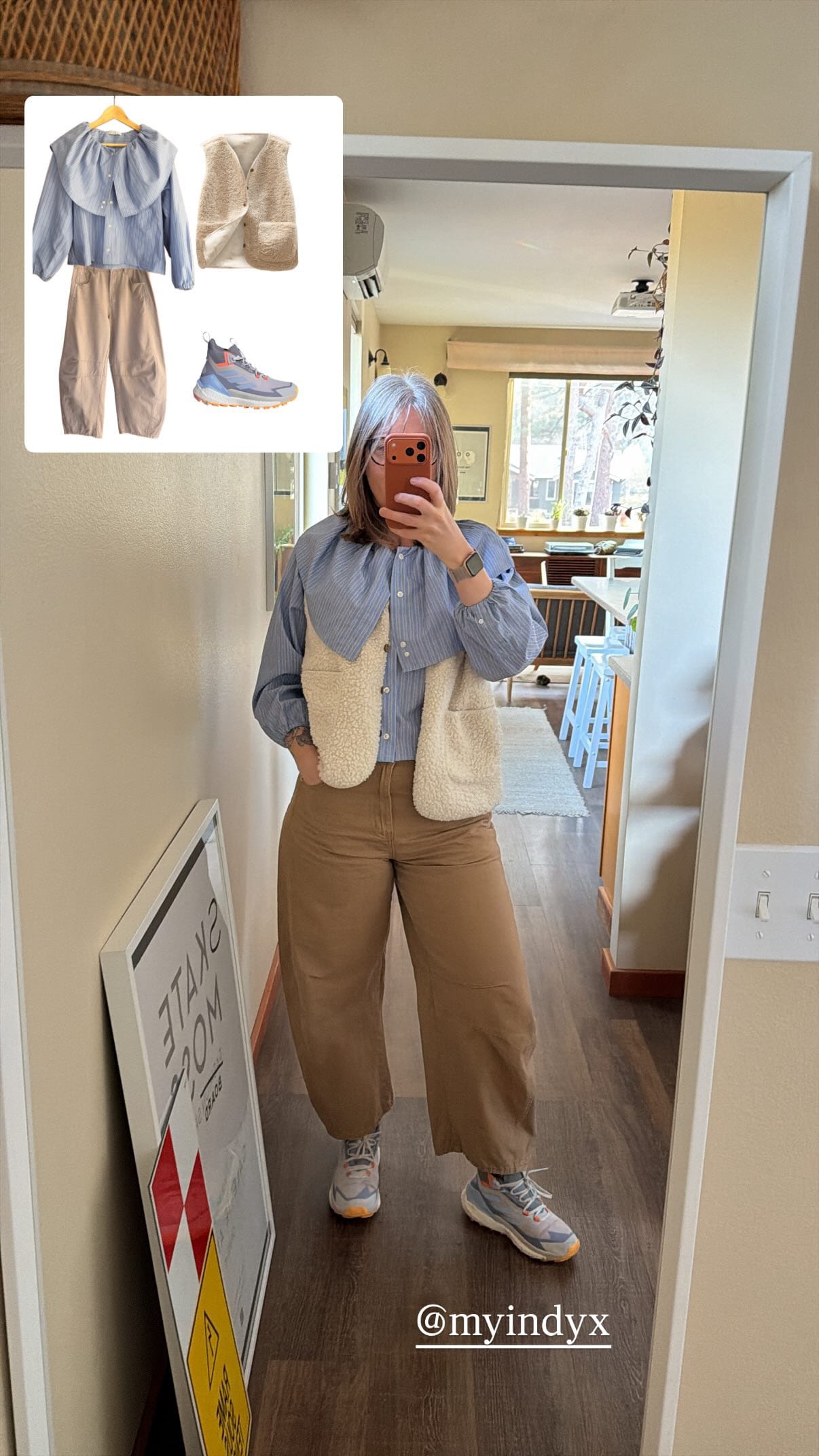
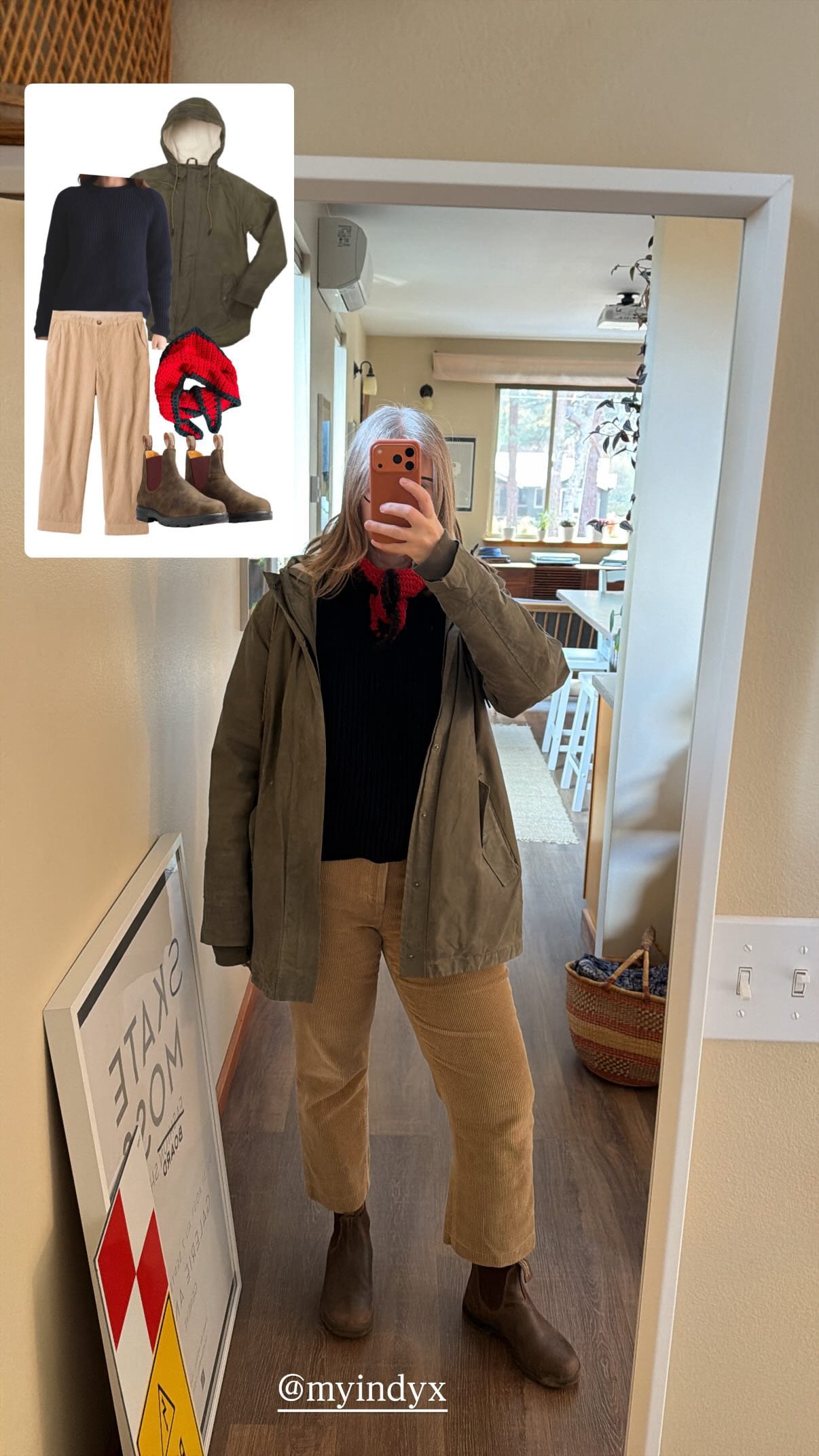
What I've Learned so far
The Indyx app is helping me:
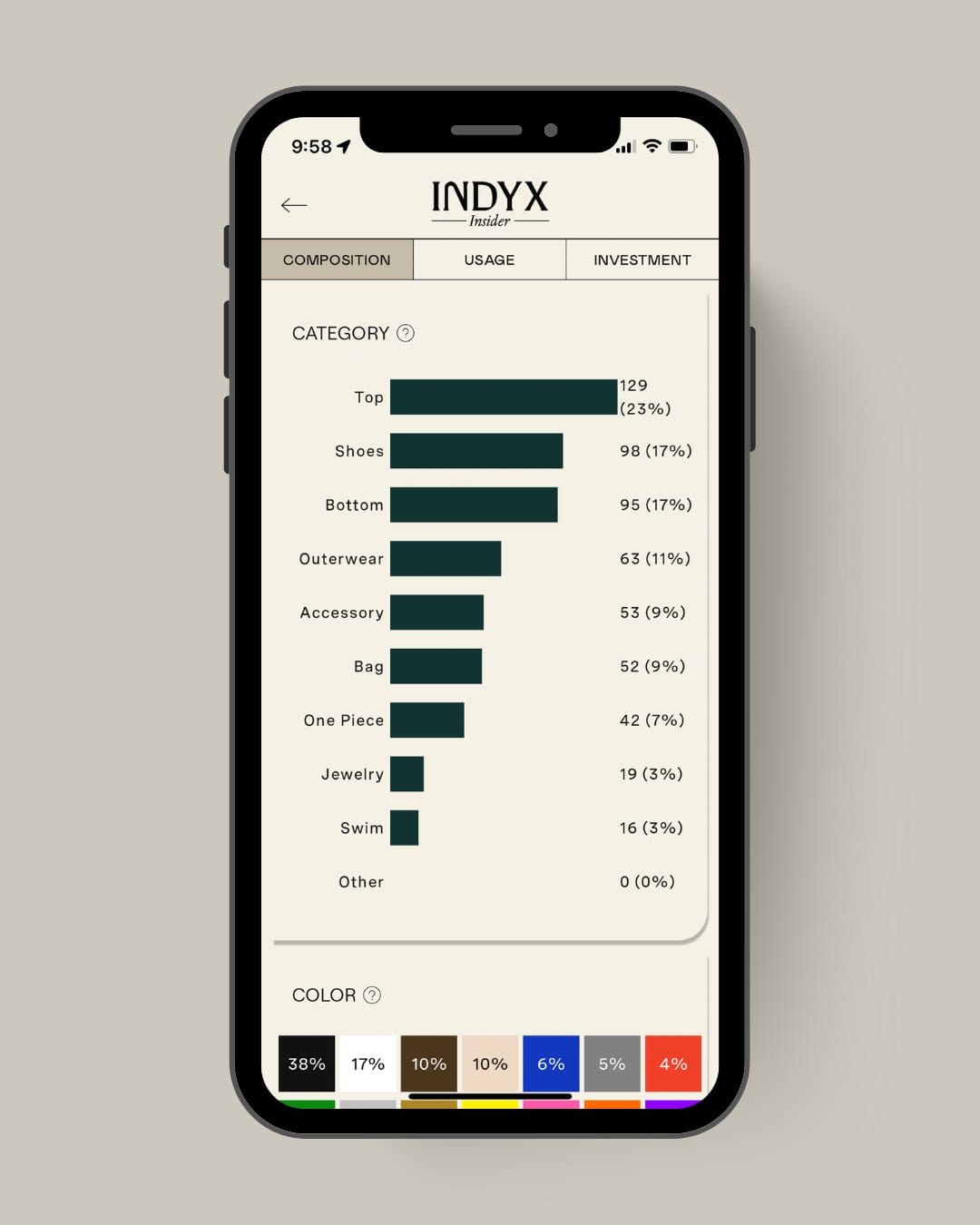
- Get an overview of my closet. Seeing the number of items grow as I catalog each category is eye-opening.
- Identify favorites. I’ve lost count of how many outfits feature my Barrel Pants (use code UQ-QG0LVS for $10 off).
- Rediscover forgotten pieces. One pair of black jeans I thought didn’t fit has suddenly become a new favorite.
- Avoid repeat purchases. Searching by color or tag often reminds me I already own something similar.
- Spot gaps and test potential purchases. If I keep styling an outfit around the same wishlist item, it might be worth the investment.
- Reduce decision fatigue. I can scroll through saved outfits instead of starting from scratch every morning.
- Have fun. I’ve been experimenting with combinations I never would have tried — embracing the “wrong shoe theory” often leads to the most creative results.
- Be realistic. The data doesn’t lie — some pieces haven’t left their hangers in over a year.
Final Thoughts
I’m still early in the process, but I already feel lighter and more intentional when I get dressed. Digitizing my closet hasn’t just helped me organize my clothes — it’s helped me reconnect with them.
For now, I’m using the free version of Indyx to see how it fits my needs, and it’s been a great starting point. I might explore upgrading in the future as I continue refining my digital wardrobe.
If you’re curious to try it, take it one step at a time. Start with one category (like sweaters), use natural light, and embrace imperfection. The goal isn’t a perfect digital closet — it’s a clearer picture of the one you already have.
Do you have any questions about my experience with Indyx? Do use any digital tools to organize your wardrobe? Let me know in the comments.
This post is not sponsored but contains affiliate links. If you make a purchase through one of my links, I may earn a commission at no extra cost to you. Thank you for your support!